
ECU Setup
Wheel speed & speedometer
Configure wheel-speed input scaling, validate it against GPS and set a traditional pulse speedometer output where used.
Wheel-speed setup
- Wire a suitable Hall/ABS speed signal to an input supported by the ECU and assign that input as Wheel Speed in ECU Configuration.
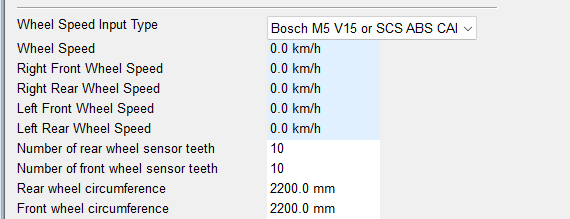
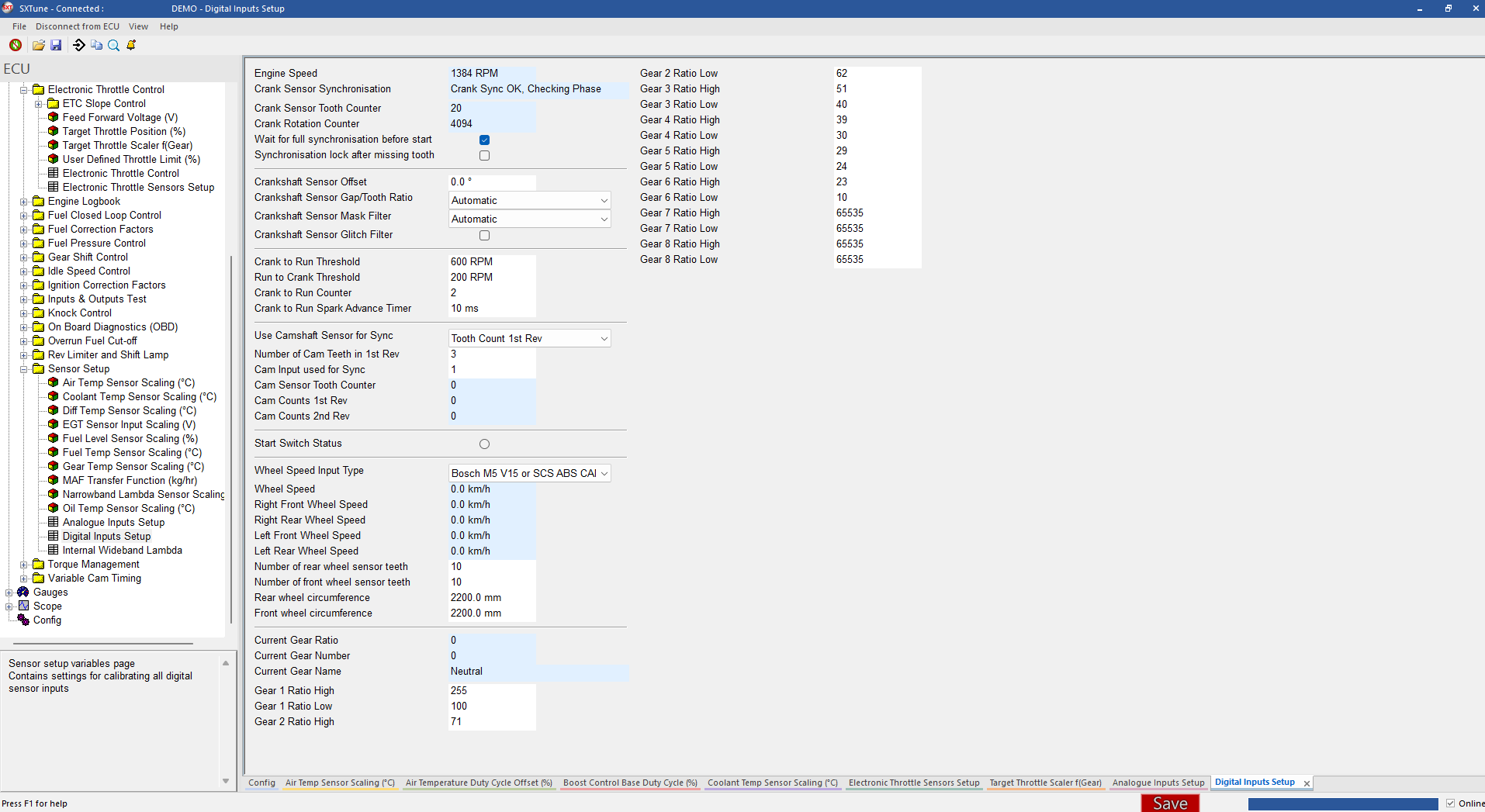
- Open Sensor Setup → Digital Inputs Setup.
- Select the appropriate wheel-speed input type and enter the tooth/pulse count per revolution and wheel circumference.
- Drive at steady speed and compare SXTune vehicle speed with GPS or another trusted reference.
- Correct wheel circumference until the displayed speed is accurate, then save.
Traditional speedometer output
Where a conventional speedometer requires a pulse output, the old add-on guide uses the Speedo Output Frequency @ 300 km/h setting in Auxiliary Functions. Adjust the frequency until the vehicle speedometer agrees with the validated SXTune speed.