USB-CAN interface: See USB-CAN Interfaces for photographs, supported interface generations, recommended hardware and LED diagnostics.
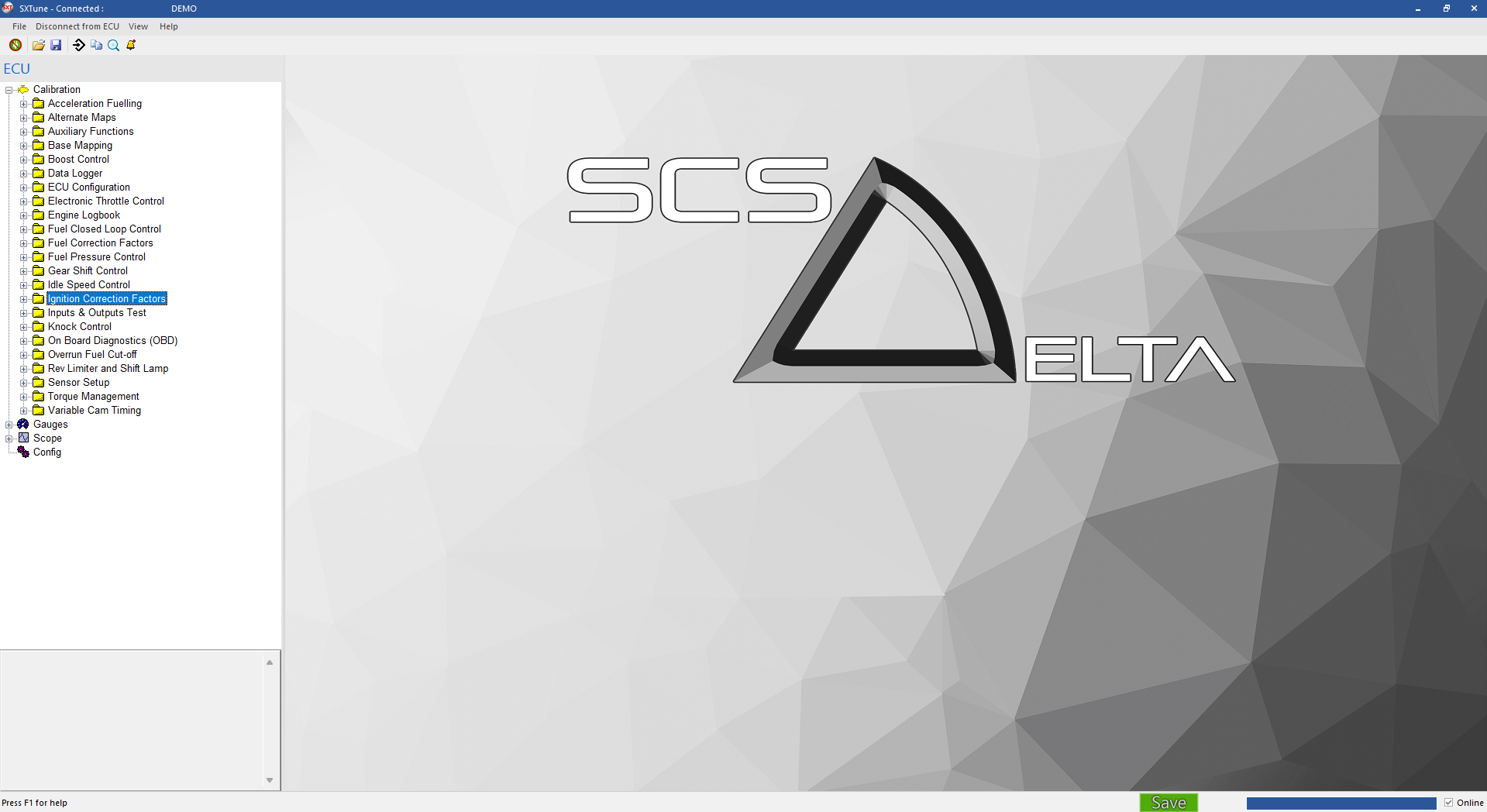
SXTune main window after connecting to an ECUMain toolbar
Install and select the ECU
Run the SXTune installer and select the correct Delta ECU type. The installer loads the matching script set; choosing the wrong ECU can expose the wrong configuration.
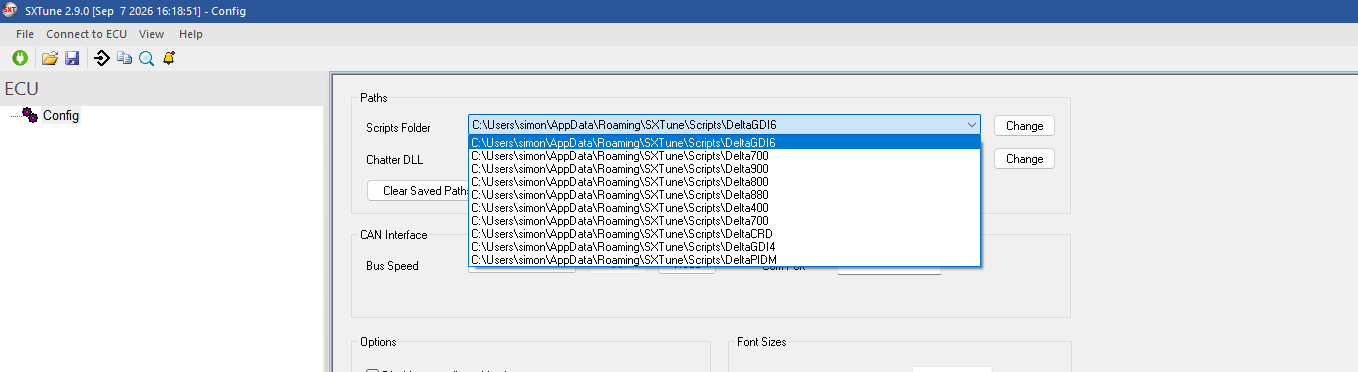
Start SXTune and confirm the Scripts Folder / ECU selection before connecting.
Connect using one of the supported USB-CAN interfaces listed below.
Supported USB-CAN interfaces
SXTune supports the SCS interfaces shown below. For new installations, use either the SCS Delta USB-CAN Interface or DeltaLog 2. Earlier interfaces remain supported for existing installations.
Recommended — current production
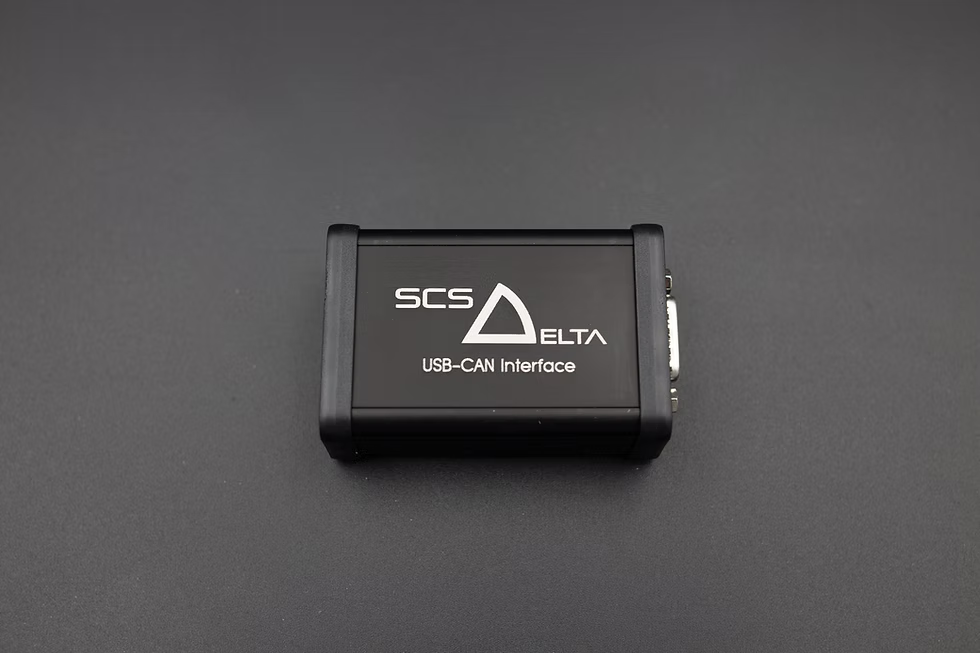
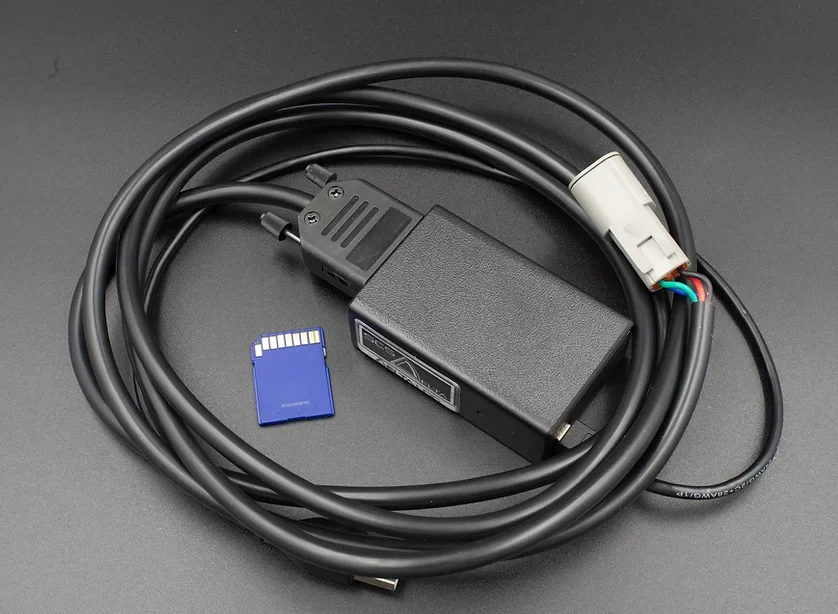
SCS Delta USB-CAN Interface
The SCS Delta USB-CAN Interface is the preferred dedicated interface for connecting SXTune to SCS Delta ECUs. It provides fast, reliable communications and improved compatibility compared with earlier interface generations.
For a new SXTune installation where a dedicated USB-CAN interface is required, this is the recommended choice.
Recommended — current production
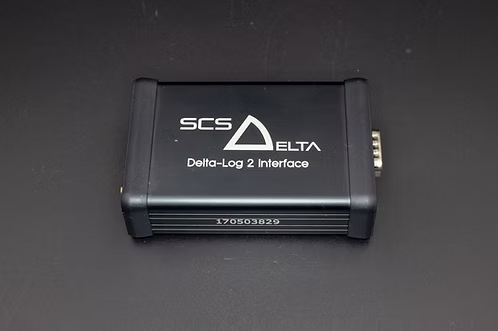
SCS DeltaLog 2 Interface
DeltaLog 2 is fully supported by SXTune and provides fast, reliable USB-CAN communications for ECU connection, calibration and programming.
It also provides data-logging capability for use with DeltaLog software, making it a good choice where both ECU calibration and vehicle data logging are required.
Supported
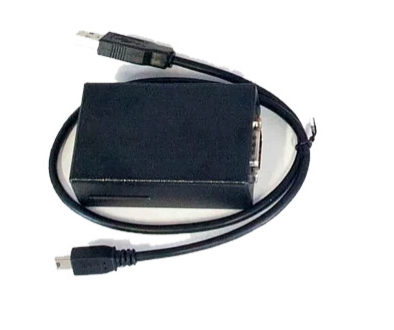
SCS USB-CAN Interface — second generation
This second-generation PIC-based interface provides reliable operation with SXTune and SCS Delta ECUs. It remains suitable for normal ECU connection, calibration and programming.
Communication speed is lower than the later SCS Delta USB-CAN Interface and DeltaLog 2, so operations involving larger amounts of data may take longer. Existing units can continue to be used.
Supported
SCS DeltaLog Interface
The original SCS DeltaLog interface is supported by SXTune and can be used as the USB-CAN connection to SCS Delta ECUs for connection, calibration and programming.
It also retains its data-logging functionality. Existing DeltaLog installations can therefore continue to be used with SXTune.
Supported — earlier generation
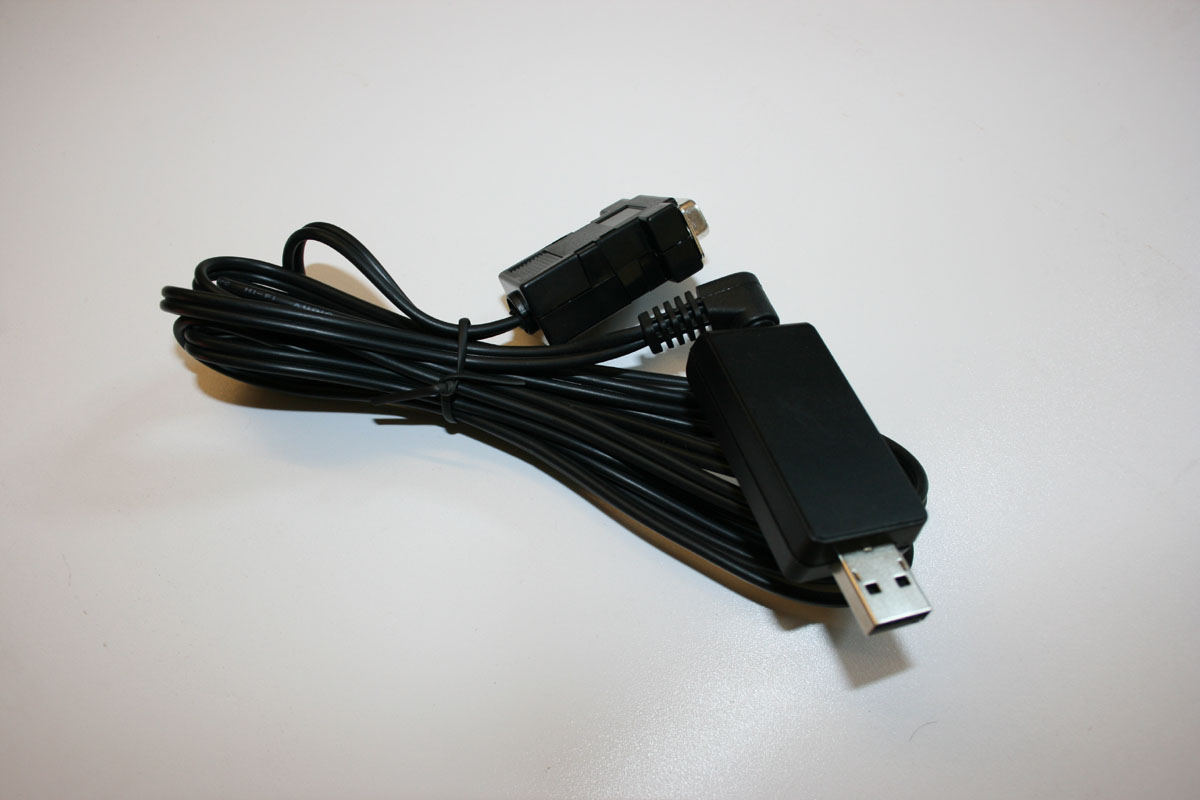
Specialist Components USB-CAN Interface — first generation
This is the original Specialist Components USB-CAN interface supplied with earlier SCS Delta systems. It remains supported by SXTune and can be used for ECU connection, calibration and programming.
It uses an earlier communications implementation and has lower data-transfer performance than later interfaces. Compatibility can also depend more heavily on the Windows and driver configuration. For these reasons, it is not recommended for new installations, although existing units may continue to be used where they operate reliably.
For new installations: use the SCS Delta USB-CAN Interface or DeltaLog 2. The other interfaces are retained for compatibility with existing SCS Delta installations.
CAN interface LEDs and bus speed
If SXTune does not connect to the ECU, the CAN interface LEDs and CAN bus speed provide useful diagnostic information. Understanding what the LEDs indicate makes it much easier to determine whether the problem is between the ECU and CAN interface or between the interface and SXTune.
CAN bus speed
The CAN interface bus speed is set in SXTune. This setting changes the bus speed of the interface only; it does not change the ECU CAN bus speed. The interface and ECU must use the same CAN bus speed before they can communicate.
Set the CAN interface bus speed in SXTune to match the ECU bus speed.
LED indications
Green LED — interface power. A continuously illuminated green LED indicates that the CAN interface is powered. The interface can receive power from both the engine loom and the PC. To completely power down and reboot the interface, disconnect both cables from it.
Red LED — ECU communication. The red LED flashes when the CAN interface is connected to and communicating with the ECU. A flashing red LED indicates that the interface bus speed matches the ECU bus speed and CAN communication is taking place.
Normal communication: with the ECU powered and switched on, the objective is a solid green LED and a flashing red LED. SXTune should then be able to connect to the ECU.
If the LEDs indicate normal communication but SXTune still does not connect, disconnect the laptop power supply and run the laptop from its battery as a diagnostic test. In some installations a ground offset introduced by the laptop power supply can affect CAN communication.
If the red LED is continuously on or continuously off
If the red LED does not flash, check the following in this order:
Reboot the CAN interface. It may have stopped responding. Disconnect both the PC and engine-loom connections so that the interface is completely unpowered, then reconnect it.
Check CAN bus speed. Confirm that the CAN interface is set in SXTune to the same CAN bus speed as the ECU.
Consider ECU firmware corruption. An interrupted ECU programming operation, particularly where power, ignition or earth connections were unreliable, can leave the ECU firmware unable to communicate normally on CAN. Follow the firmware recovery procedure if this is suspected.
Check the CAN wiring. Inspect the wiring between the DB9 connector and ECU, including CAN High, CAN Low and connector integrity.
Check ECU power and ground. Confirm that the ECU is correctly powered and grounded. For ECUs using the 35-way black connector arrangement described here, check the required supplies and ground on pins 1, 2 and 3.
ECU / scripts selection
Calibration files
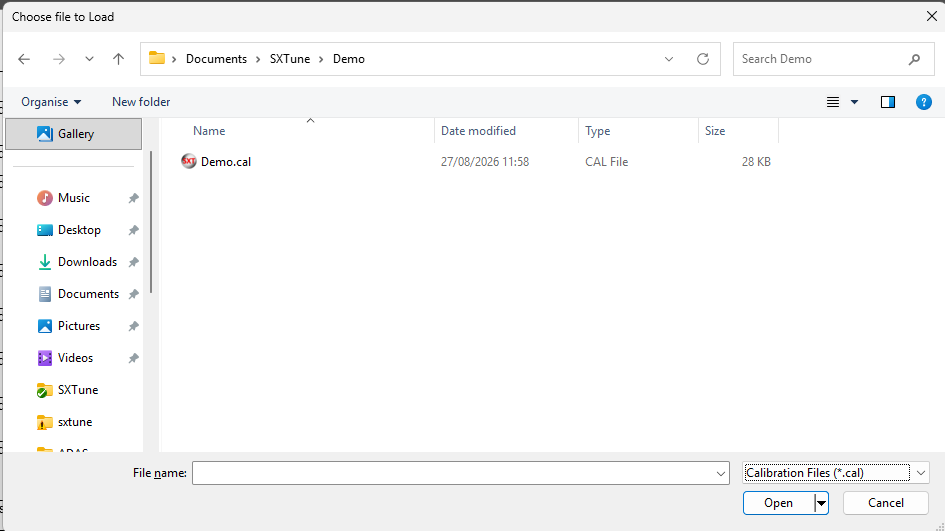
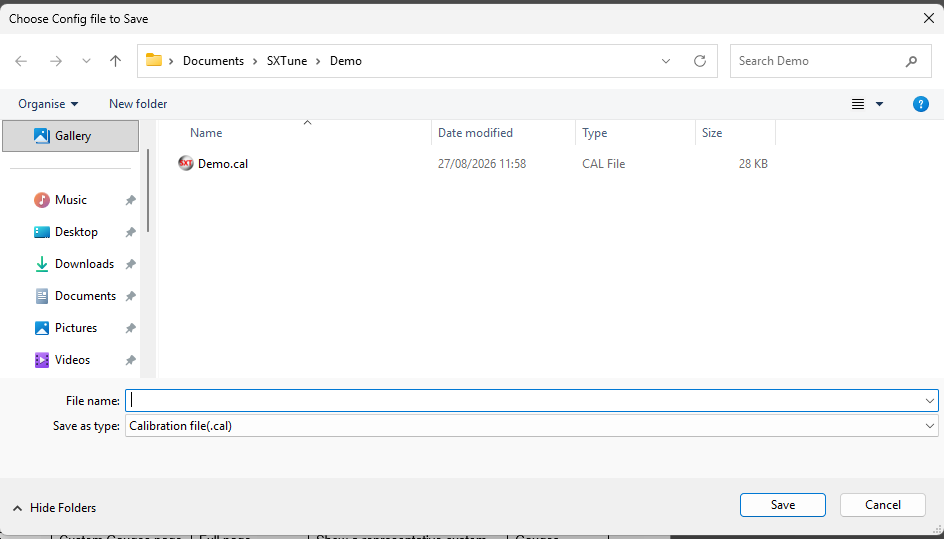
Use the File commands to load an existing calibration before connecting or to save the loaded calibration to disk. Keep known-good backups before making substantial changes.
Load calibration fileSave calibration file
Programming firmware or a calibration into the ECU
ECU programming uses a specific ignition-off / ignition-on sequence and also has recovery procedures for CAN-interface problems and PDM installations.