
Getting Started
Install SXTune & connect to a Delta ECU
Install or update SXTune, connect the SCS CAN interface and diagnose the common power, bus-speed and wiring causes of a failed connection.

Download SXTune
Download the latest SXTune installer setup from SCS Delta.
Installing SXTune
- Install Windows updates and close SXTune before running an update installer.
- Run SXTune_Setup.exe with administrator rights where required.
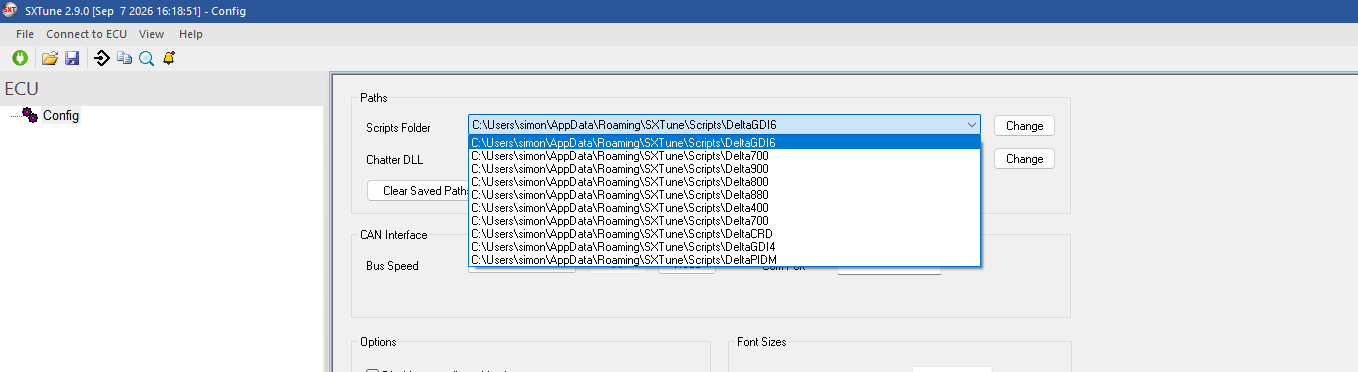
- Select the correct ECU family during setup. SXTune uses that selection to install/select the appropriate script set.
- If upgrading an existing installation, install the new version over the existing installation unless release instructions say otherwise.
Power and connection requirements
The established connection procedure requires a permanent battery supply, a properly switched ignition supply, good ECU grounds, the SCS CAN programming interface and either the loom DB9/DTM connection or the vehicle OBD connection. For AMPSEAL 35 installations, pin 1 is permanent battery supply, pin 2 is switched ignition and pin 3 is ground.
- Connect the CAN interface to the loom/OBD lead and USB.
- Turn the ECU ignition supply on.
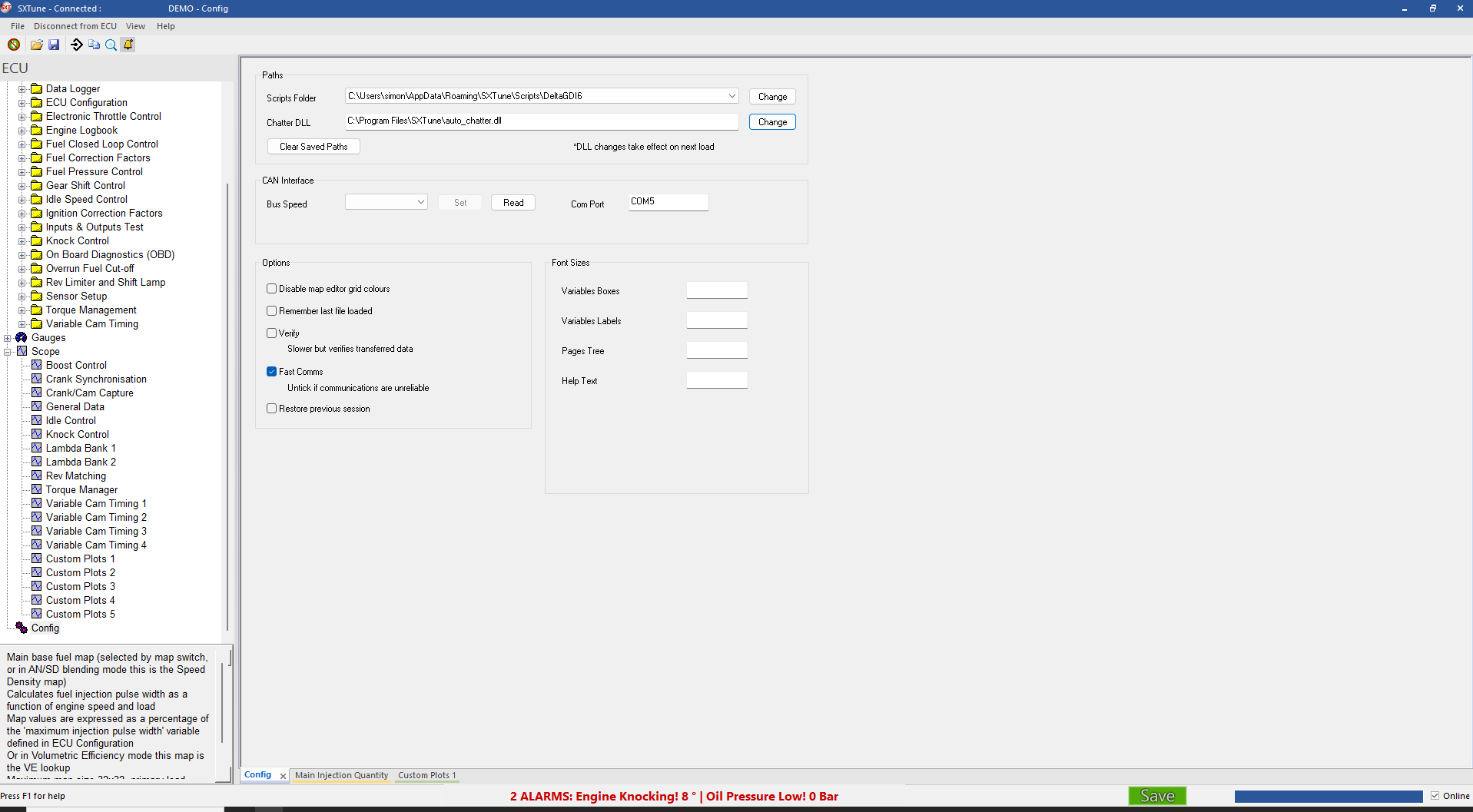
- Press the green Connect command in SXTune.
- Confirm the application reports Connected before calibration work.

Bench programming lead
A bench lead may provide permanent battery, ground and a switched ignition feed to the ECU together with CAN H/CAN L to the programming interface. Use the ECU-specific pinout rather than assuming all ECU families use identical connector pins.
Understanding the CAN interface LEDs
The green LED indicates interface power and the red LED indicates CAN communication. The important diagnostic state is powered interface plus a flashing communication LED while the ECU is on. Because the interface may be powered from both the vehicle loom and USB, disconnect both sides when a full reset is required.
If SXTune will not connect
- Fully power-cycle the CAN interface by unplugging both vehicle-side and USB connections for about 20 seconds.
- Reconnect USB only, open SXTune and use the Config page to set/read the interface CAN speed.
- Try the expected ECU rate. The established recovery sequence tries 1 Mbit/s, then 500 kbit/s and 250 kbit/s where the correct rate is unknown.
- Reconnect the ECU side and look for the communication LED to flash.
- If the interface appears to communicate but SXTune still will not connect, the old guide suggests testing the laptop on battery power to rule out a USB/laptop ground offset.
- If there is still no CAN activity, check ECU power/ground and continuity of CAN H/CAN L between the programming connector and ECU.
Firmware recovery
If the engine will not run and ECU firmware may have been interrupted/corrupted, firmware can be programmed without first making the normal green-button connection. Use the dedicated programming guide and maintain stable power throughout.