
Using SXTune
Scopes
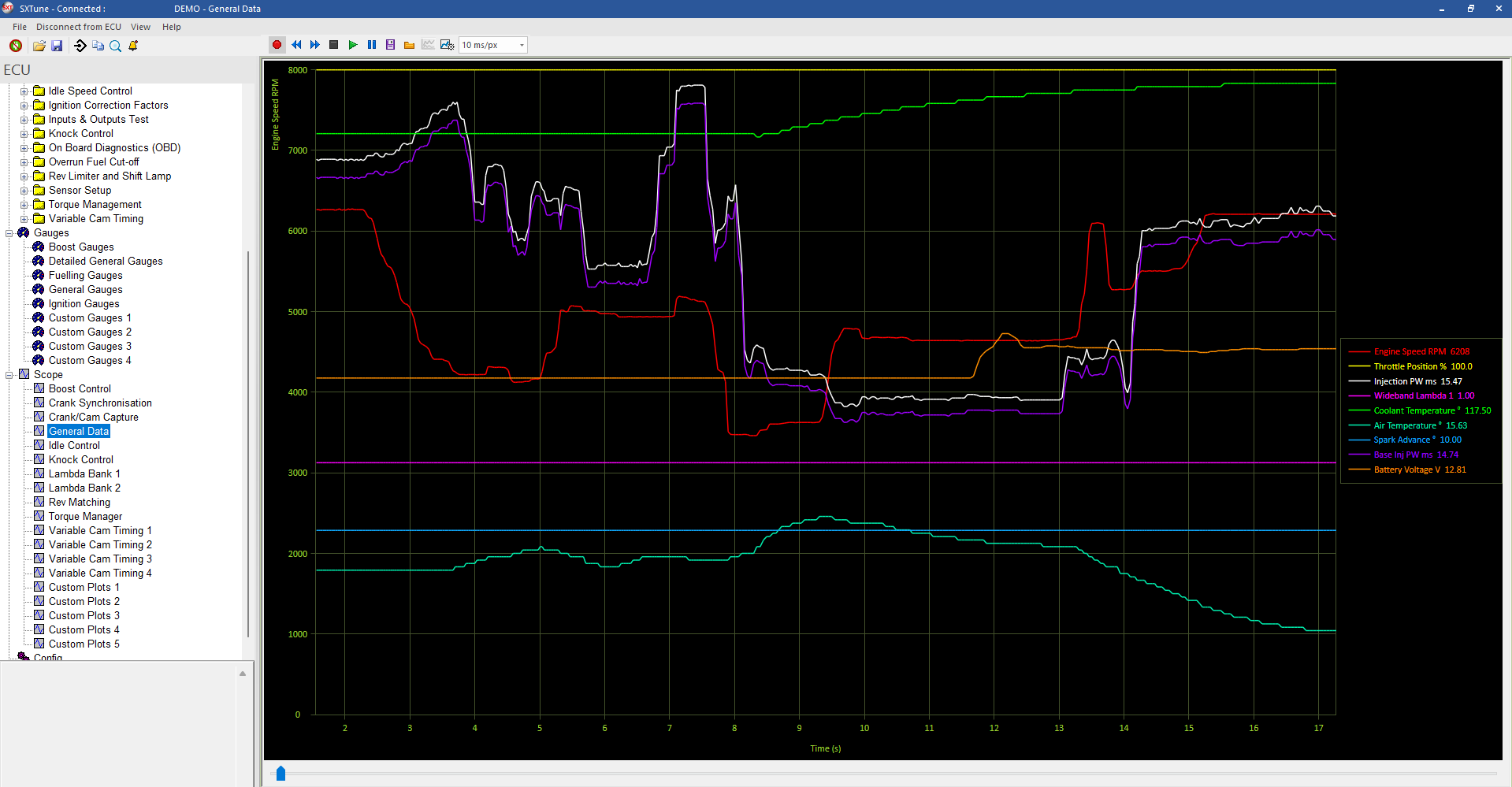
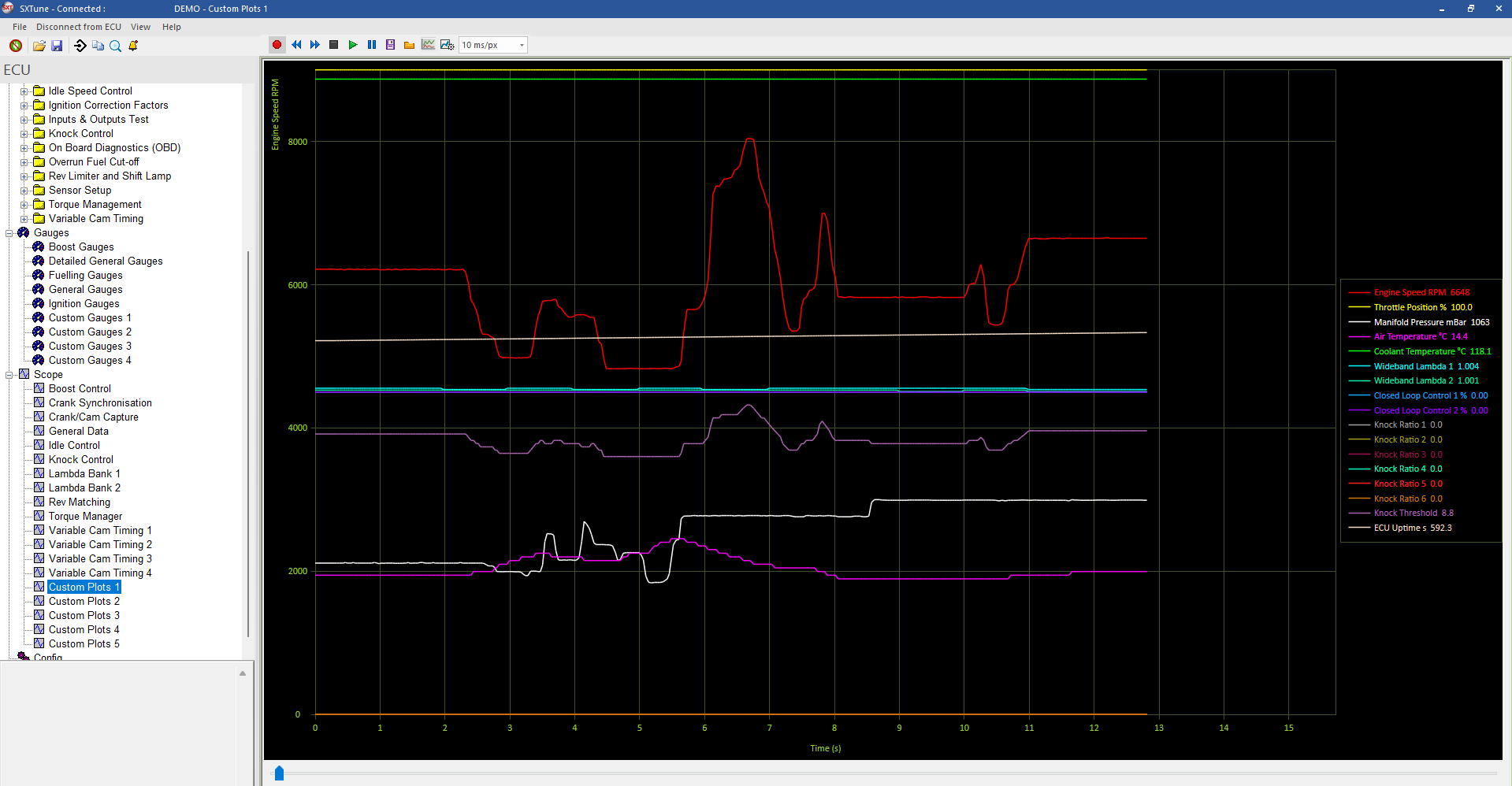
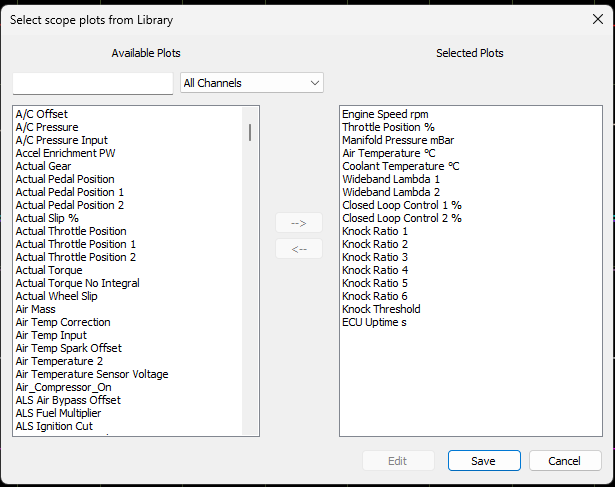
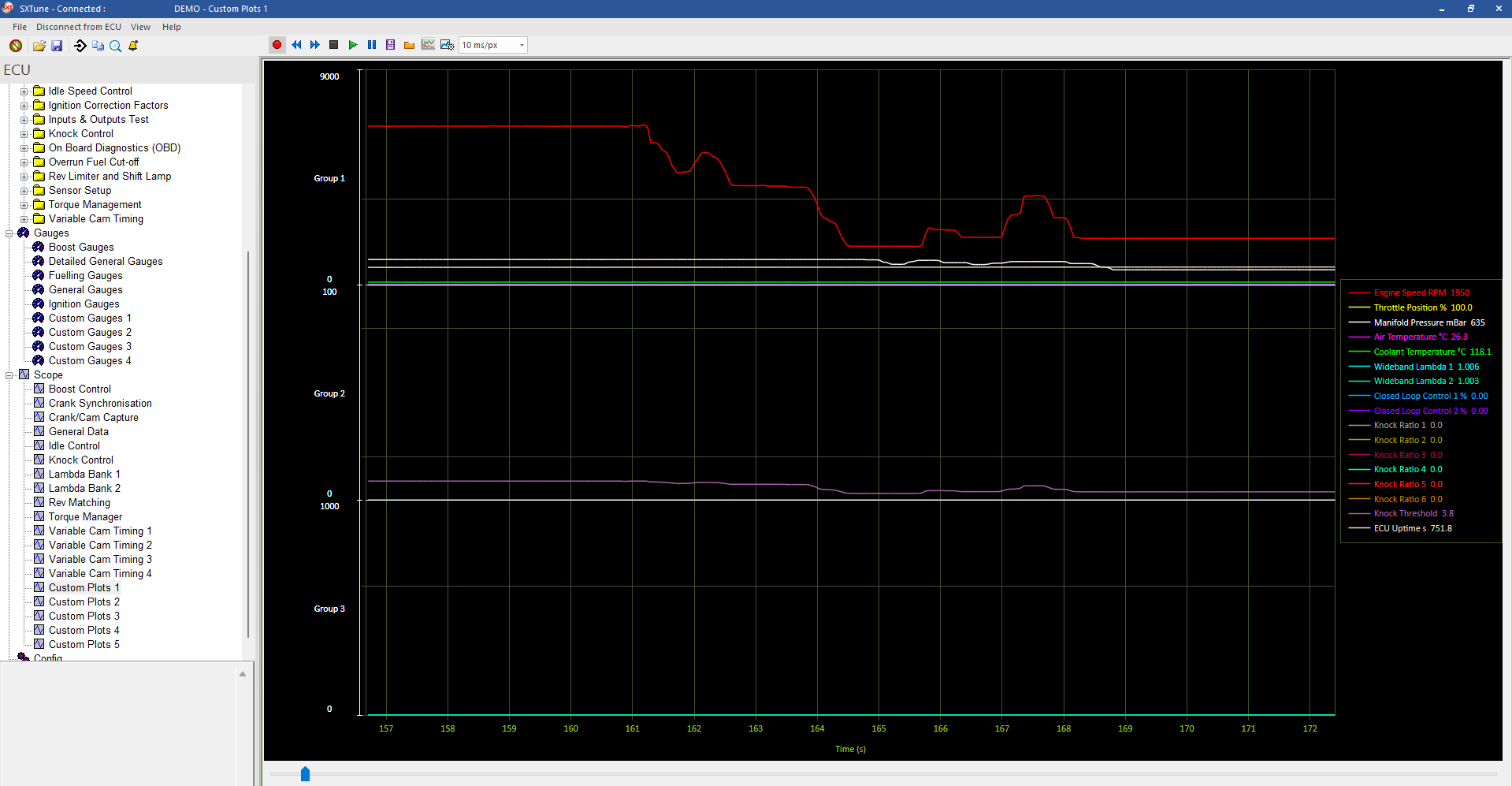
Plot live data against time with custom channels, up to three Y-axis groups, triggering and replay.

Groups and scaling
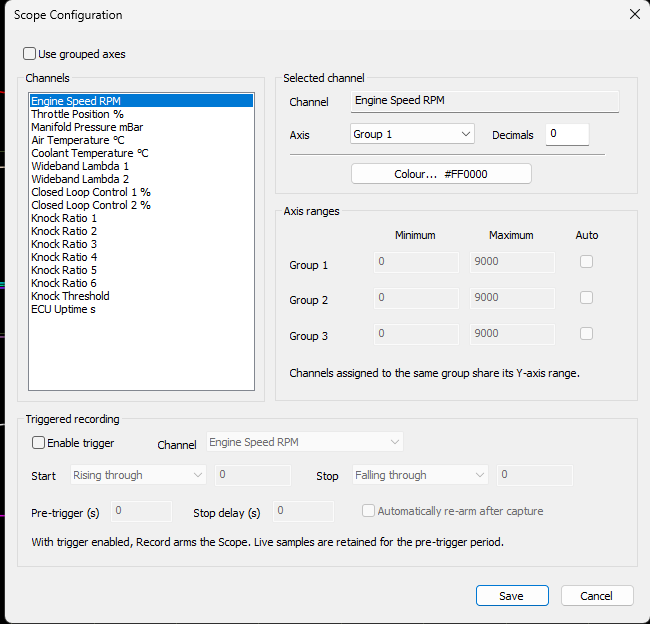
Channels can be assigned to as many as three Y-axis groups, allowing signals with very different engineering ranges to be plotted clearly on the same timebase.
Trigger recording
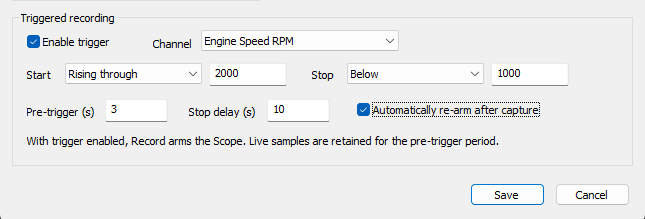
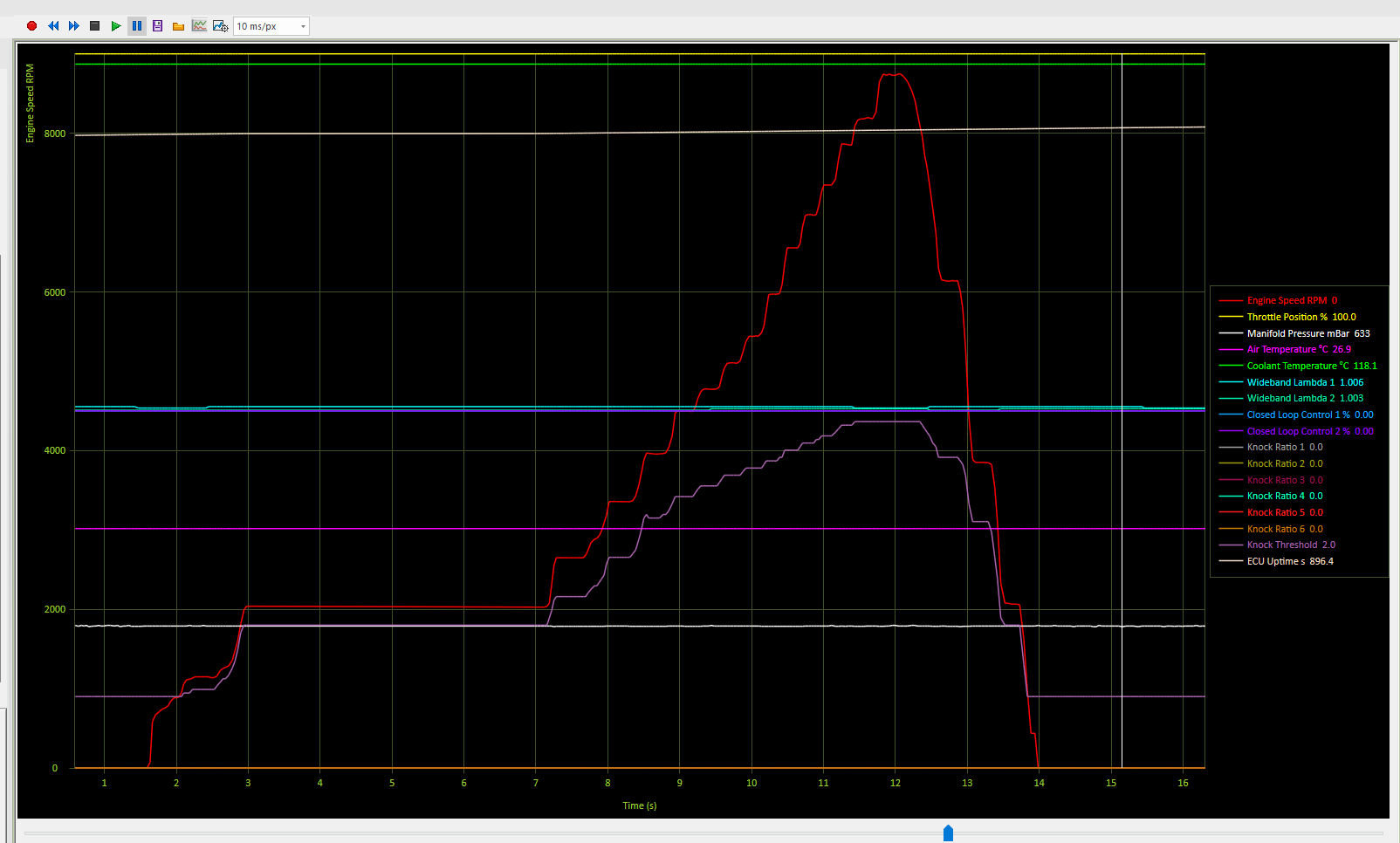
Configure the trigger channel, condition and threshold. With the trigger armed the plot remains stationary while live values continue to update. Once the condition is met the time history advances and the configured recording window is captured.
Files
Scope data can be saved as CSV or in the DeltaLog DTT/DTD format. Recorded data can be replayed inside SXTune using the transport controls and time slider.