
Using SXTune
Map strip chart
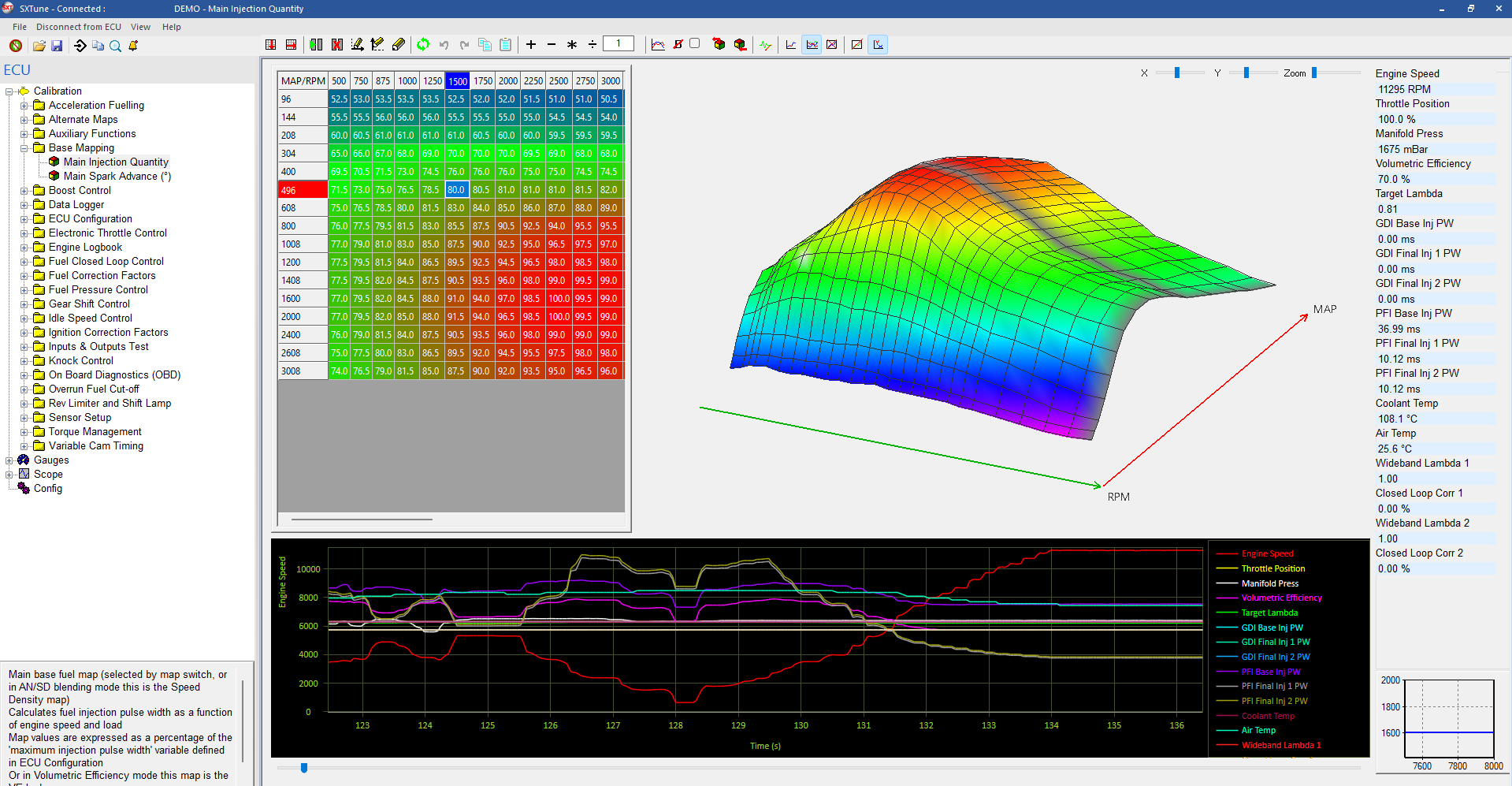
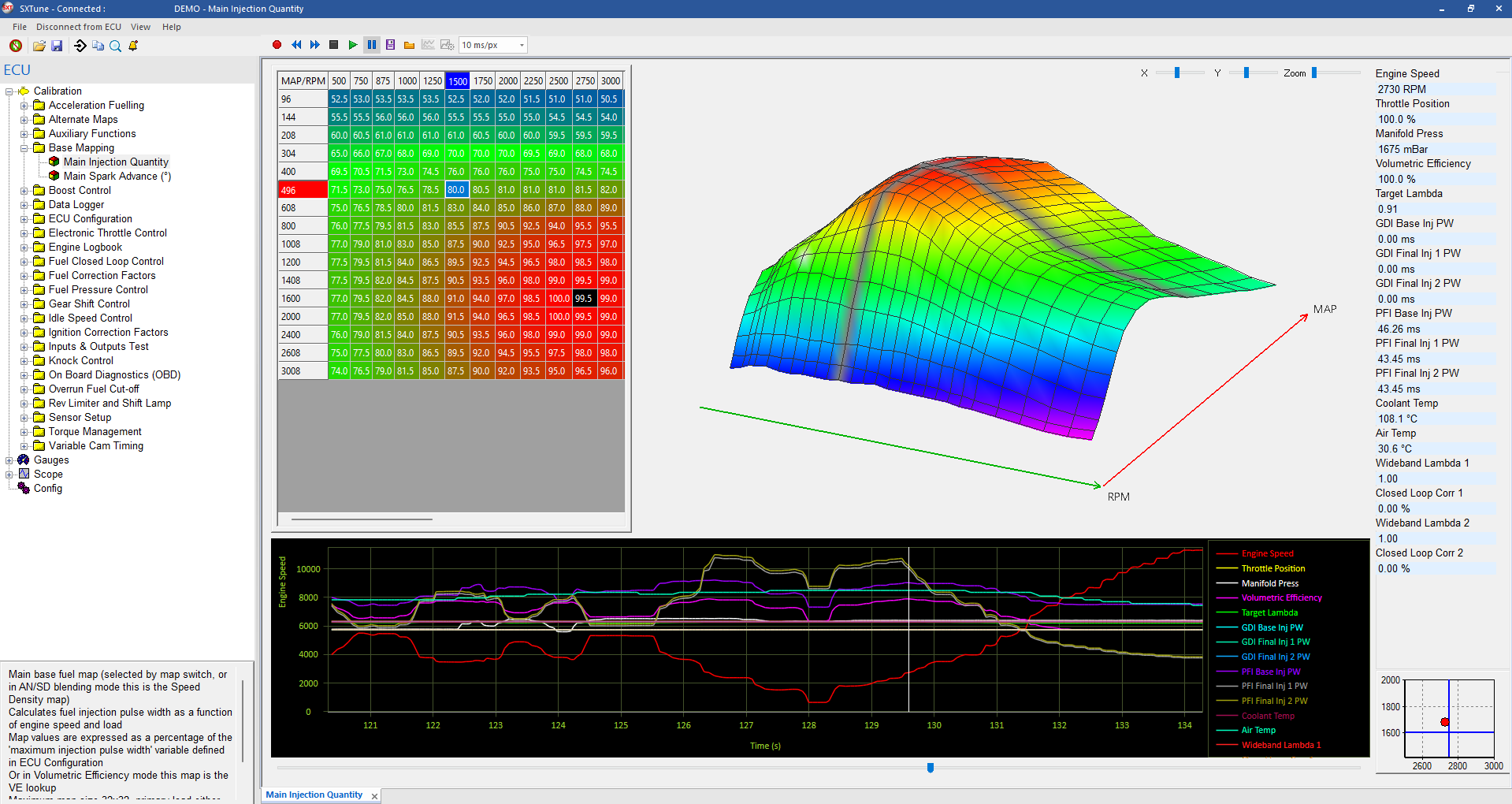
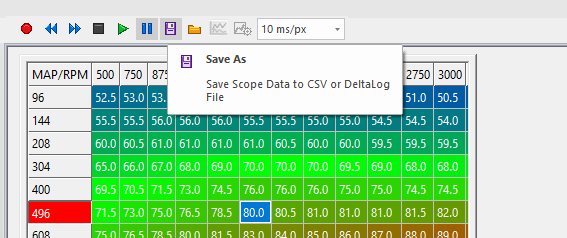
Record selected live channels directly inside the Map Editor, trigger a capture and replay the result.
Recording and replay
The strip chart samples after the Map Editor live values are updated, so the plotted engineering values match the live-data state. Recorded data can be replayed using the slider and transport controls.
Triggering
Trigger settings are available from the strip-chart configuration. When armed, the chart holds until the trigger condition is met; after the trigger it advances normally and records the configured window.