Getting Started
Backup and restore user settings
Back up SXTune's user configuration before changing PCs, reinstalling or making major configuration changes.
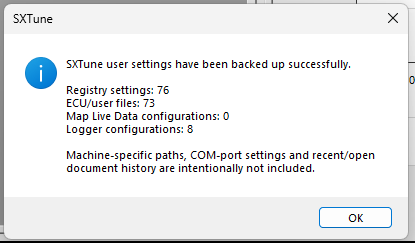
Backup: The backup covers registry settings, ECU/user files, Map Live Data configuration and Logger configurations, and restore prompts for an SXTune restart.
What to back up
Use Backup User Settings to capture the application's user configuration rather than manually copying isolated registry entries and files. The backup/restore code tracks registry settings, ECU/user files, Map Live Data blocks and Logger configurations.
Restore
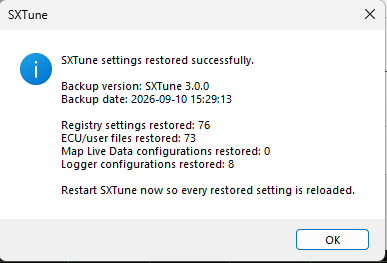
Use Restore User Settings and review the restore summary. Restart SXTune when prompted so all restored settings are reloaded consistently.
Calibration files: keep normal project/calibration backups as well. User-settings backup is not a substitute for maintaining known-good ECU calibration files.