Using SXTune
Logging and replay
Record live data in SXTune, replay it locally, or save it for analysis in DeltaLog.
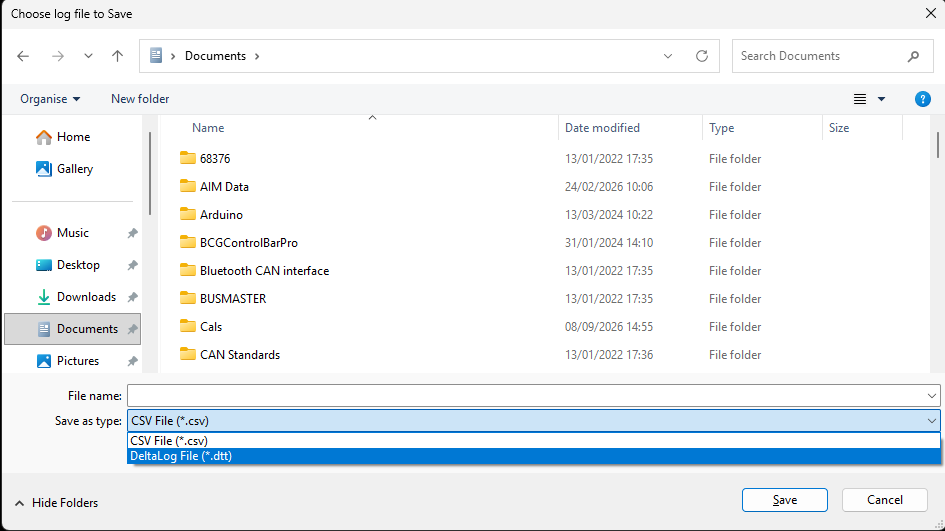
Recording: SXTune provides recording paths for Gauges, Scopes and the Map Strip Chart, with DTT/DTD export as well as CSV.
Choose the right recorder
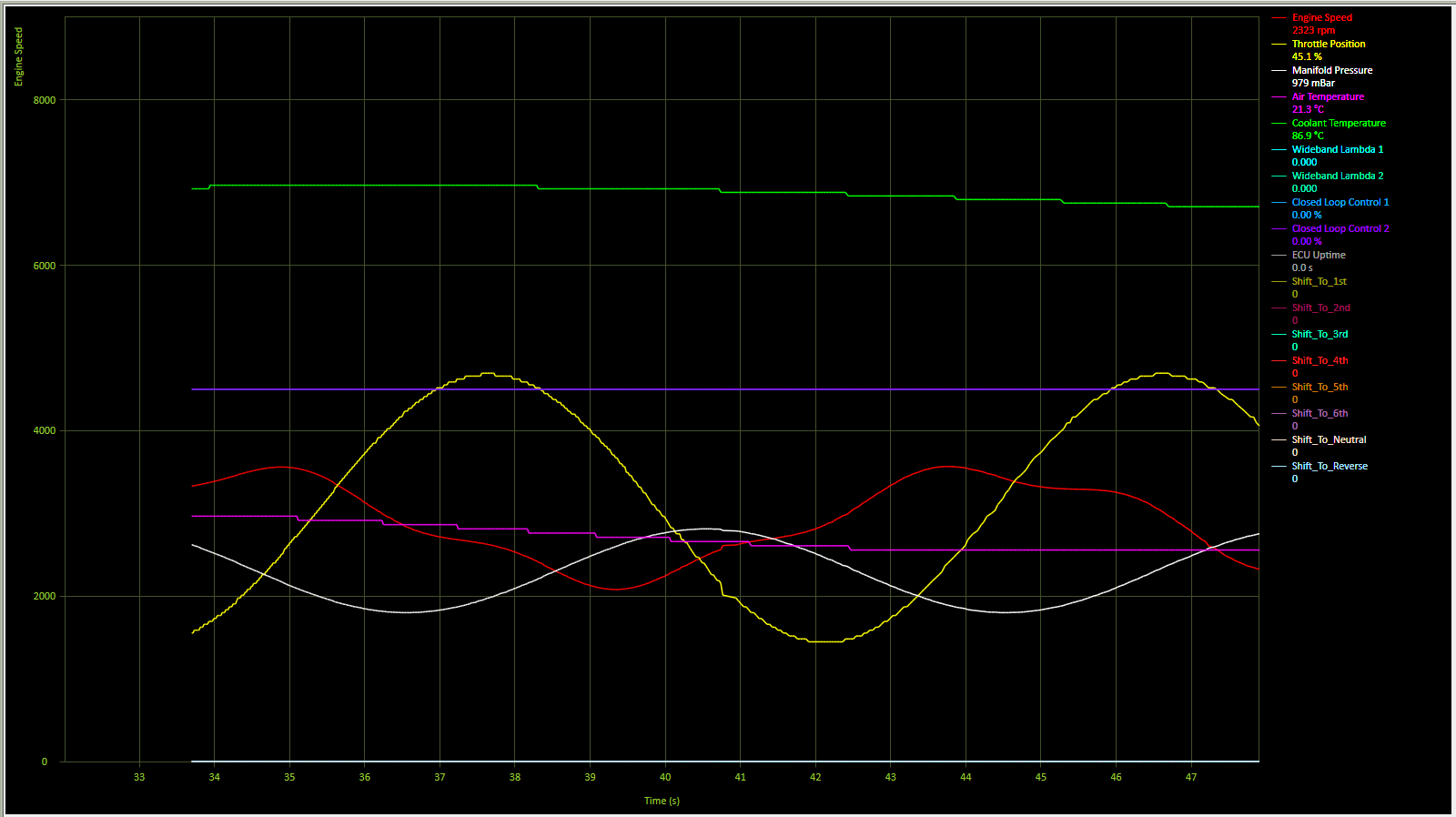
Use a Scope when you want a dedicated multi-channel time plot. Use the Map Strip Chart when the recording is directly associated with calibration work on a map. Gauges can also record the channels displayed on a gauge page.
Replay
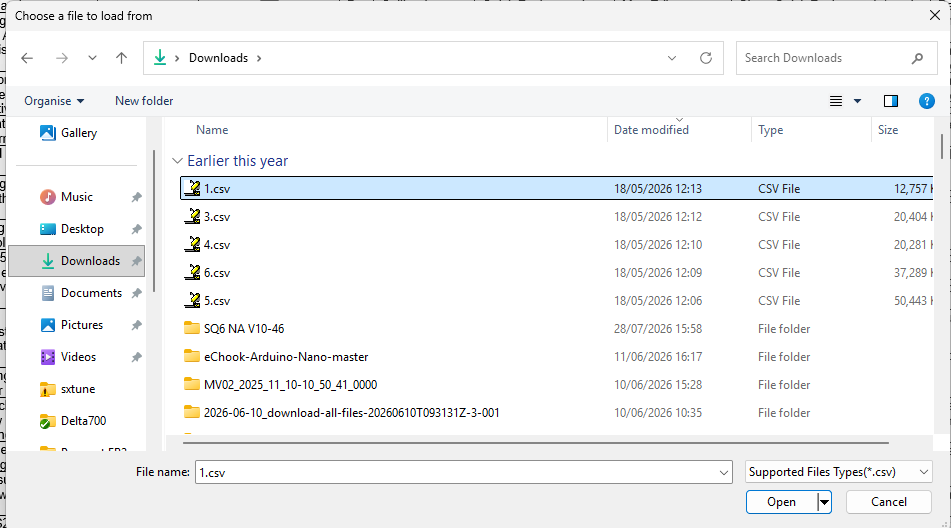
Loaded recordings can be inspected without a live ECU. Scope and strip-chart playback use a position slider to move through recorded samples. In Map Strip Chart replay, the associated Map Editor live values follow the replay position.
DeltaLog
Choose DTT/DTD when the recording will be analysed in DeltaLog. This avoids an extra CSV conversion step and preserves the SCS logging workflow.