
SXTune Documentation
Map Editor live data
Choose the channels shown beside the map and keep the most useful operating values in view while calibrating.
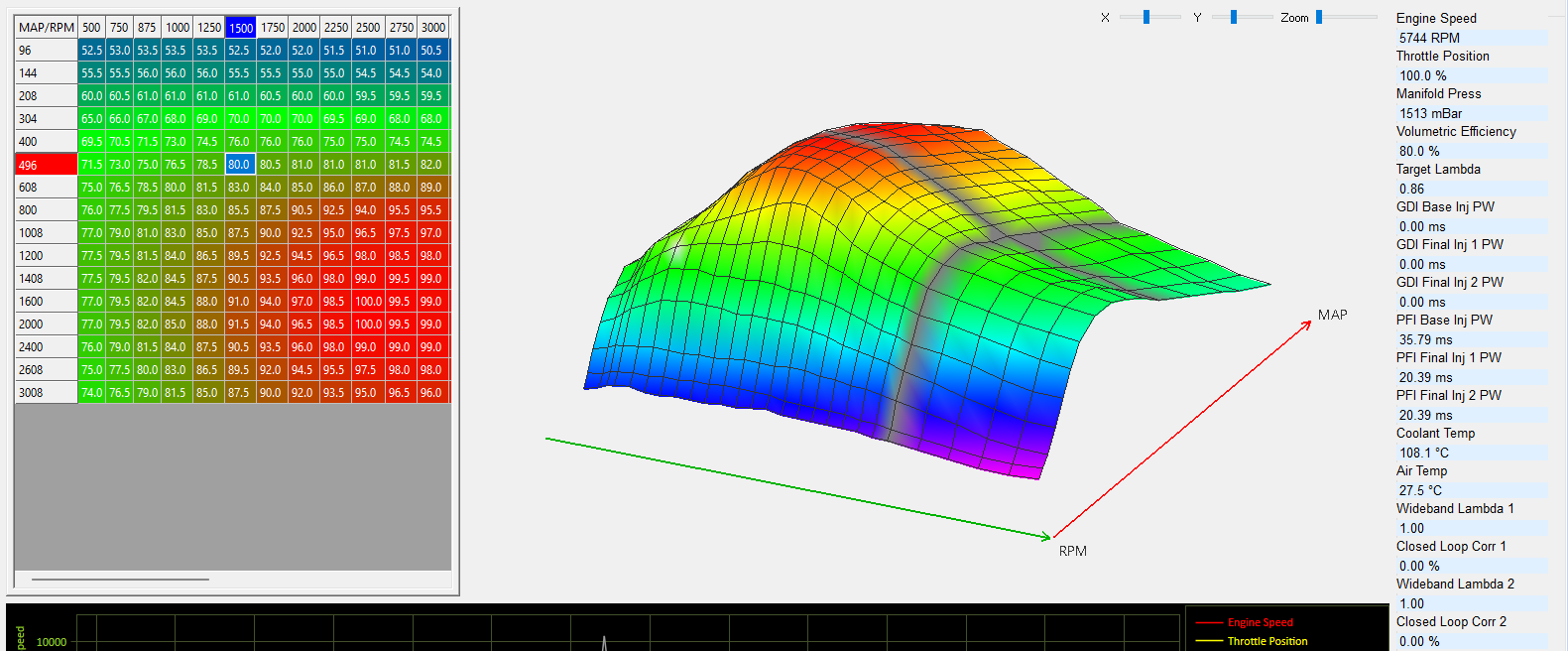
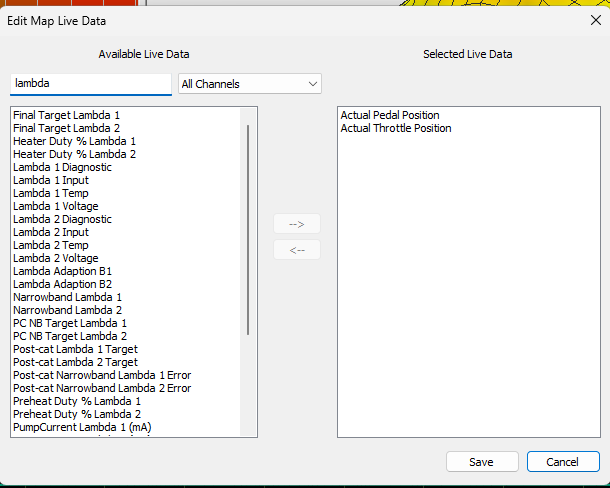
Configure the panel
Open Edit Live Data from the toolbar or File menu. Available channels are presented alphabetically. Existing channels can be removed and additional ECU or virtual channels can be added. The protected fixed channels remain available for the Map Editor trace functions.