On this page
REFERENCE
Screen reference
View and enlarge the Dash screen examples.
A visual reference to the Dash controls.
01 · Startup
 Logo and startup status. Tap to enlarge.
02 · System ready
 Logger, CAN, GPS, SD and network status. Tap to enlarge.
03 · Logging
 Recording state and logged time. Tap to enlarge.
04 · Sleep time
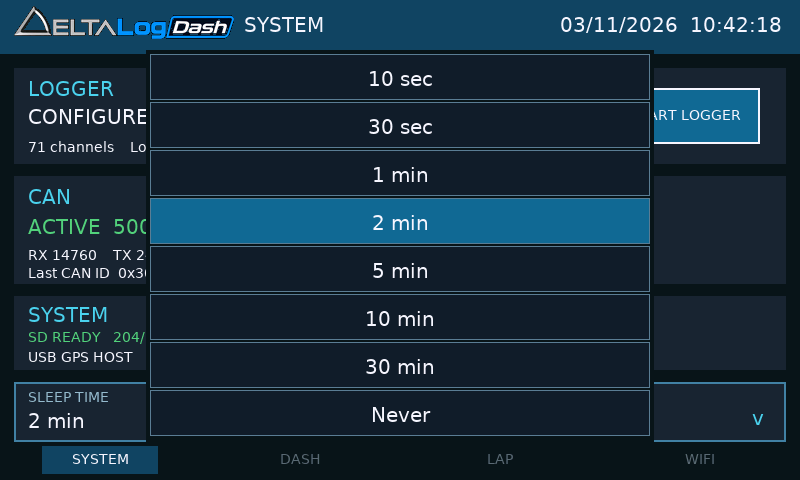 Saved inactivity timer options. Tap to enlarge.
05 · USB mode
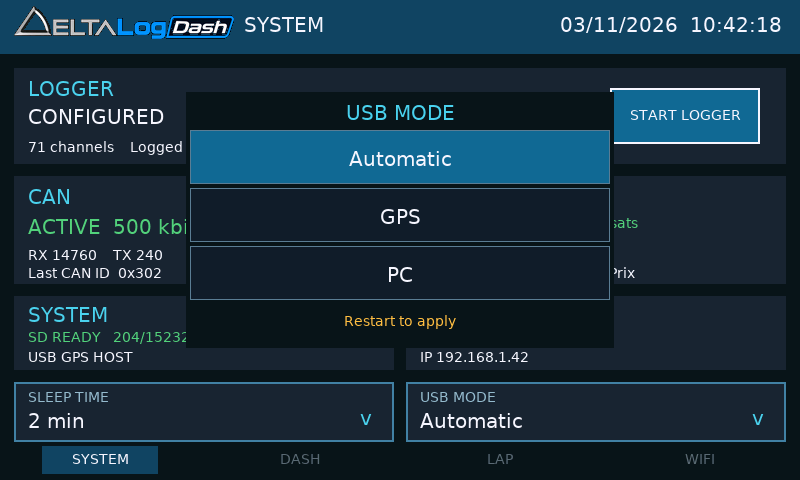 Automatic, GPS or PC; restart after changing. Tap to enlarge.
06 · Dashboard
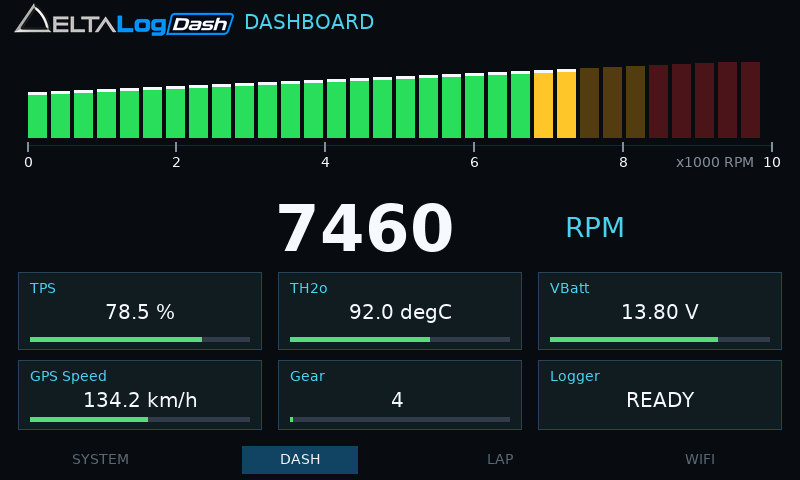 RPM bar and six selectable tiles. Tap to enlarge.
07 · Tile selector
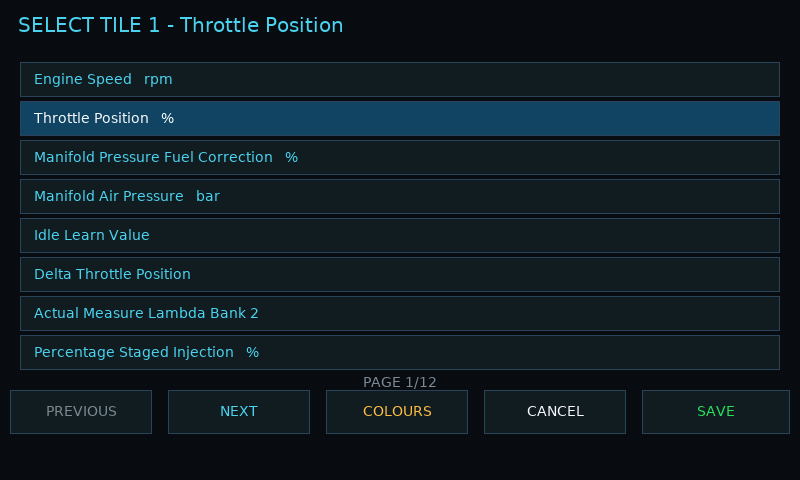 Choose a channel and save the tile assignment. Available channels depend on your logger configuration. Tap to enlarge.
08 · RPM setup
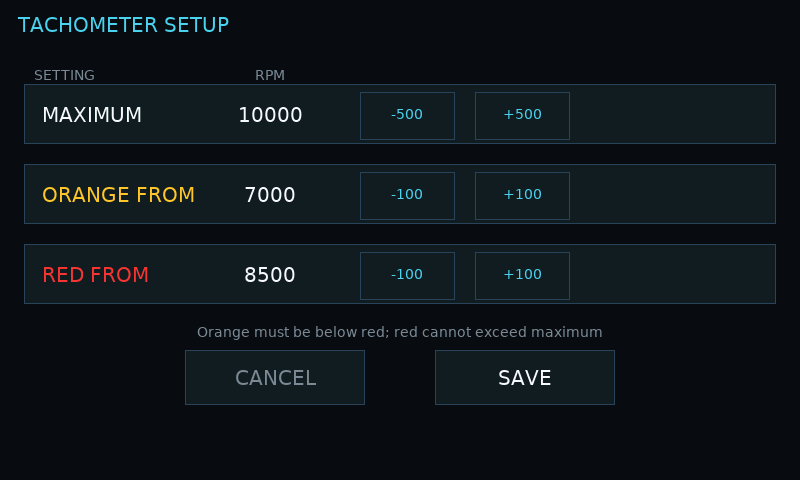 Maximum, orange and red limits. Tap to enlarge.
09 · Warning colours
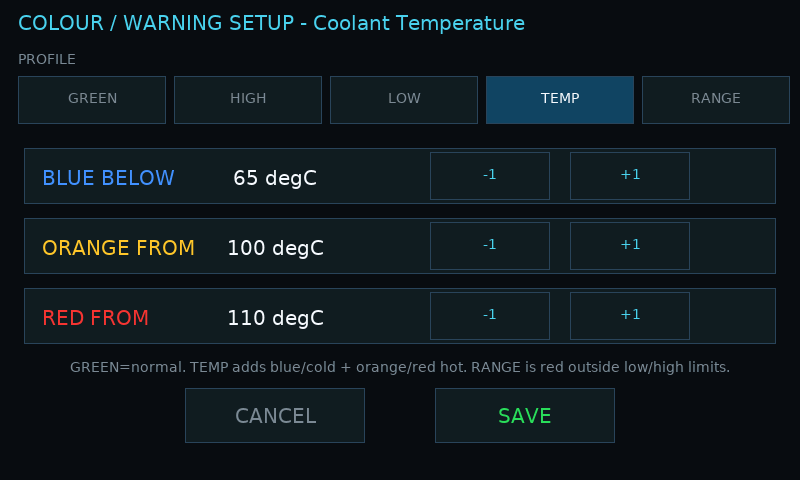 Illustrative TEMP colour profile. Tap to enlarge.
10 · GPS unavailable
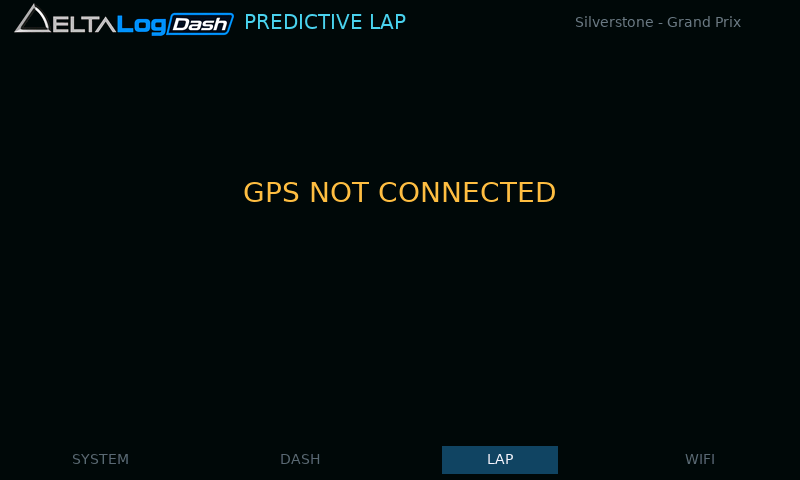 Receiver connection status. Tap to enlarge.
11 · Distance to start
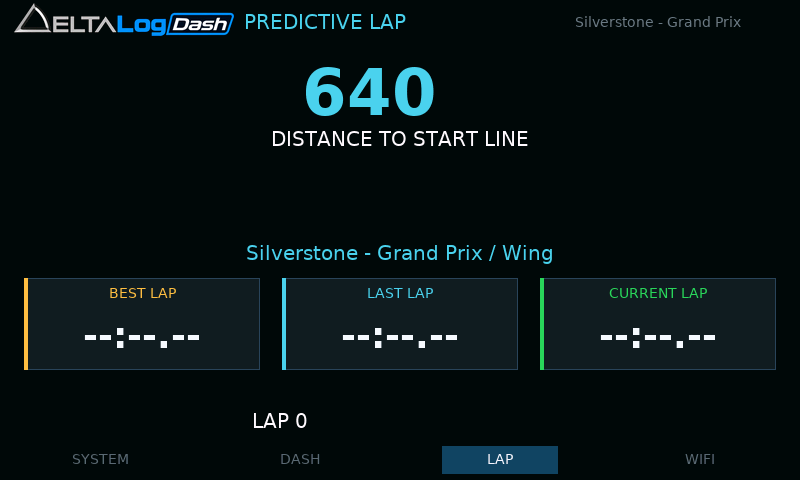 Distance shown before the first crossing. Tap to enlarge.
12 · Circuit layout
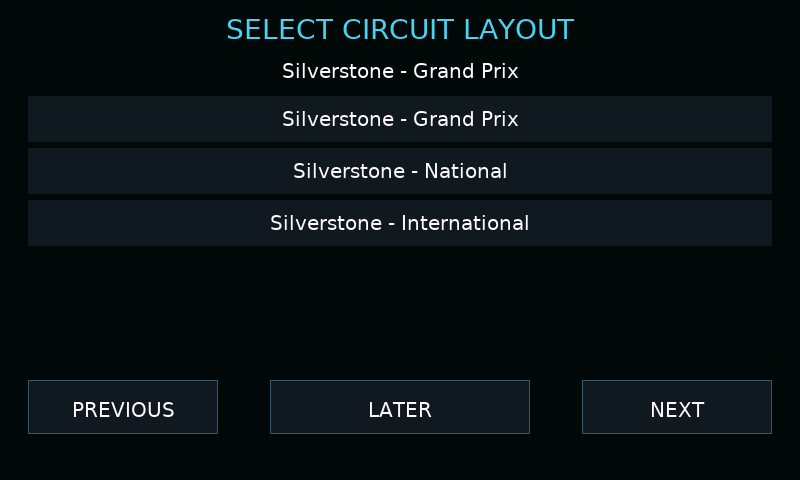 Stationary layout selection. Tap to enlarge.
13 · Ahead
 Green negative predictive delta. Tap to enlarge.
14 · Behind
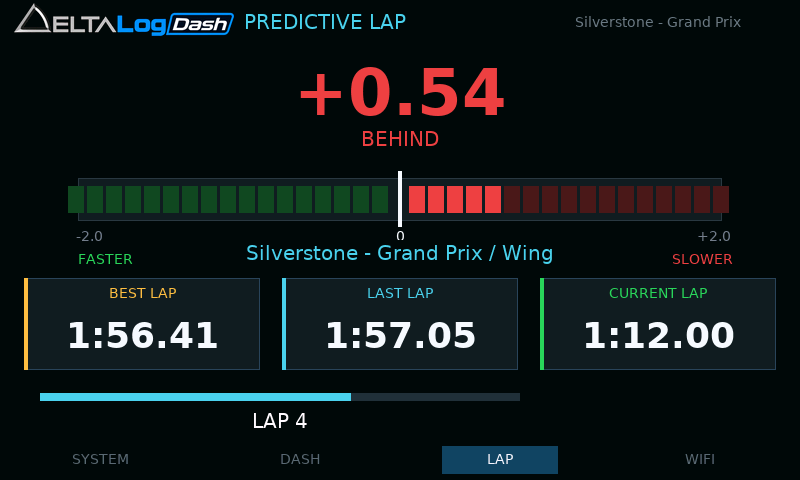 Red positive predictive delta. Tap to enlarge.
15 · Wi-Fi setup
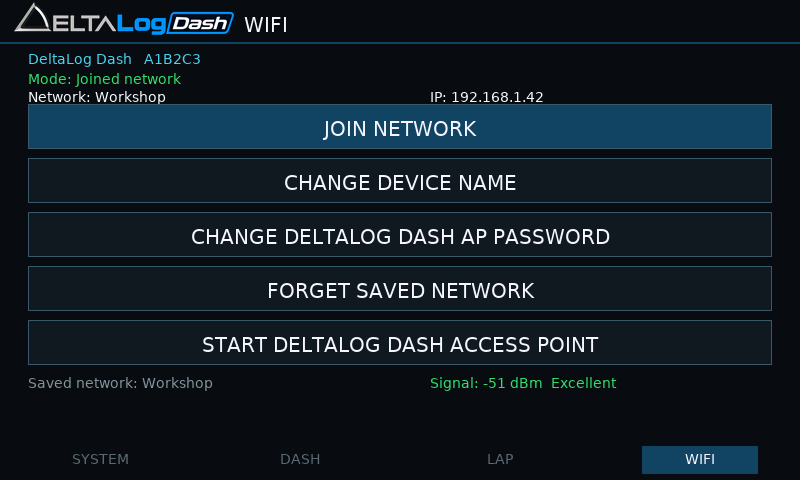 Network state and connection controls. Tap to enlarge.
16 · Network list
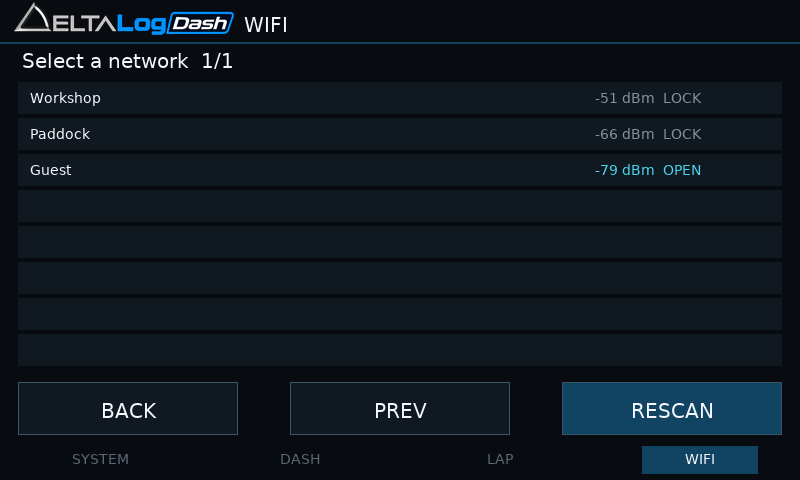 Detected networks; LOCK indicates security. Tap to enlarge.
17 · Password entry
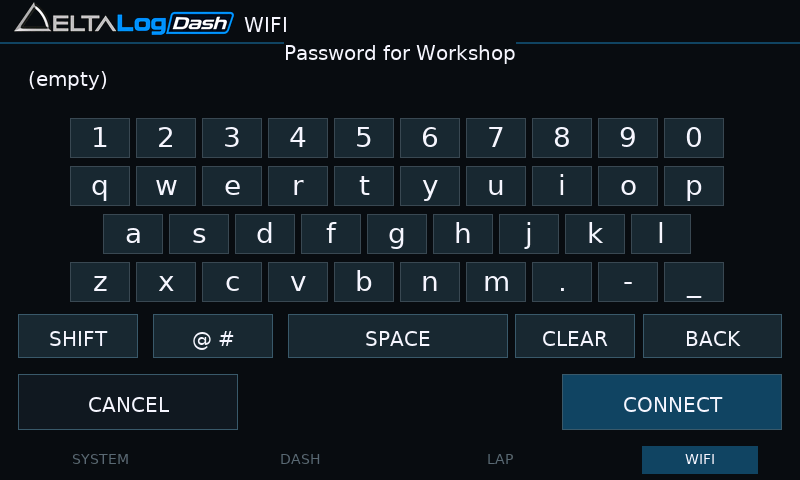 Network password keyboard. Tap to enlarge.
18 · Downloading files
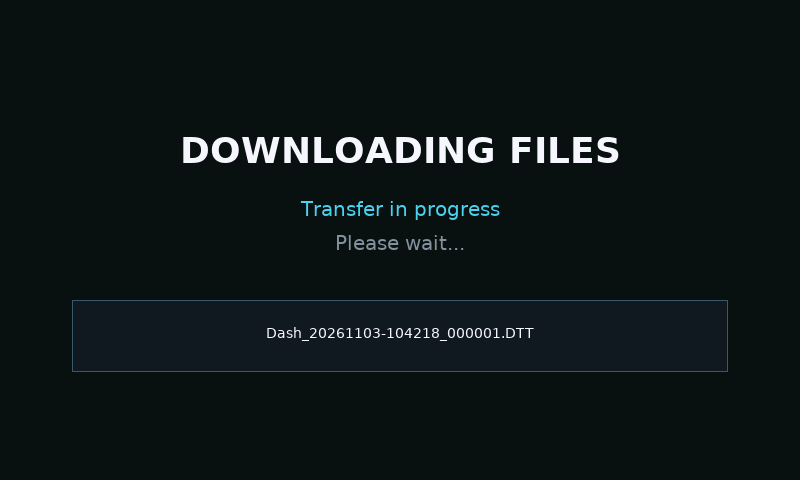 Static transfer screen; wait for completion. Tap to enlarge.
